Prepi

Deutsch

News

What's new

Here's what changes in Prepi with every version. In the app, you'll find it under Settings › Help › What's new.

Version 1.6

November 2026 iPhone
New

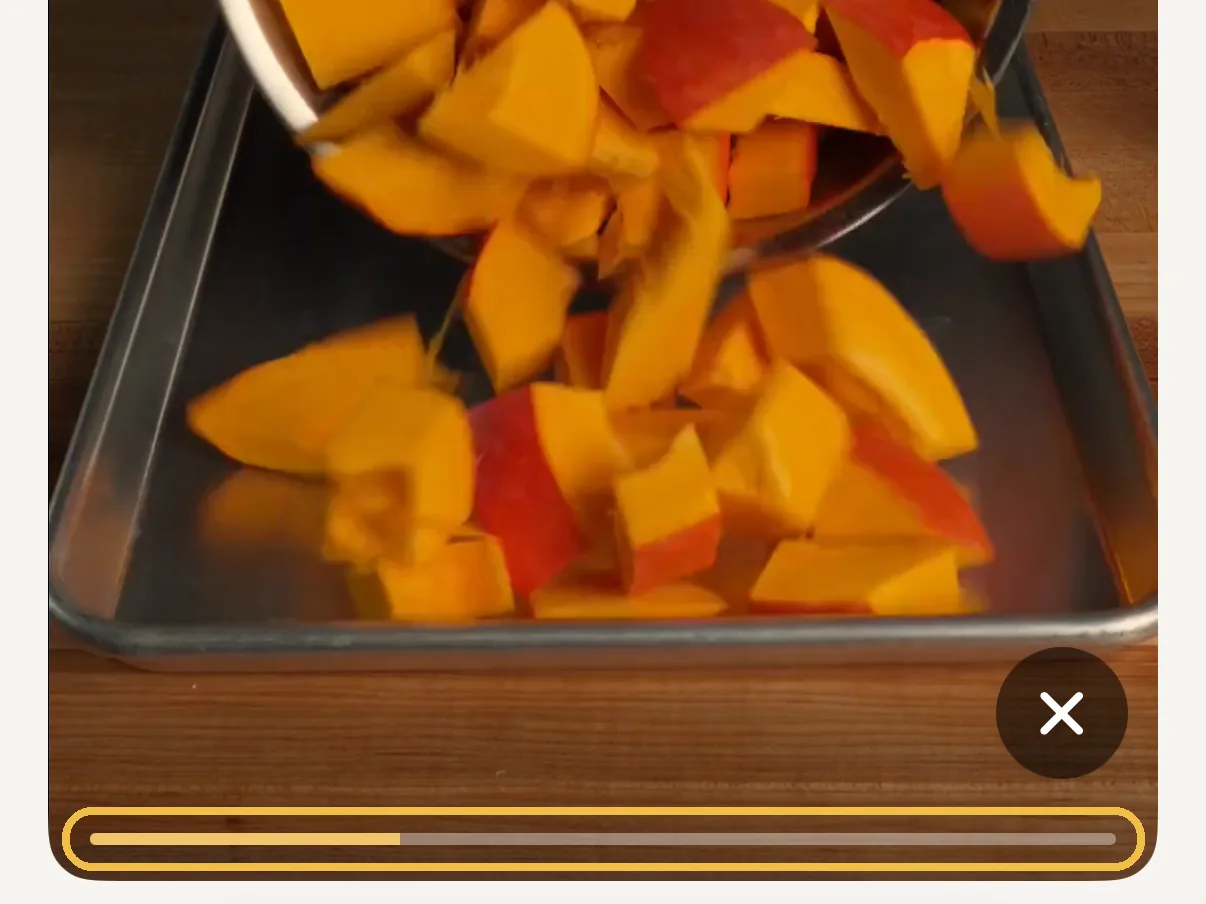
A timeline in recipe videos

Recipe videos now have a timeline. Drag your finger along it to jump to the right moment. The video stays in the recipe, no full screen.

  1. Screenshot: the pumpkin soup recipe video with the yellow timeline along the bottom

    Tap play in a recipe and drag the timeline at the bottom of the video.

Improved

What’s new in Discover

New recipes carry a “New” badge for a month, and you can sort by newest first.

Improved

Ingredients by piece and size

Recipes show ingredients the way you buy them, for example “2 onions, medium (220 g)”.

Improved

Planning a recipe

When planning a meal you pick right on the Recipes page, with all sections and the usual search.

Improved

All creator recipes are open

Every recipe in Discover shows ingredients and method. Saving one supports the creator.

Fixed

Recipe import

Recipes without steps can be imported, and the import shows where the details came from.
Version 1.5.1

October 2026 iPhone
New

A title for every step

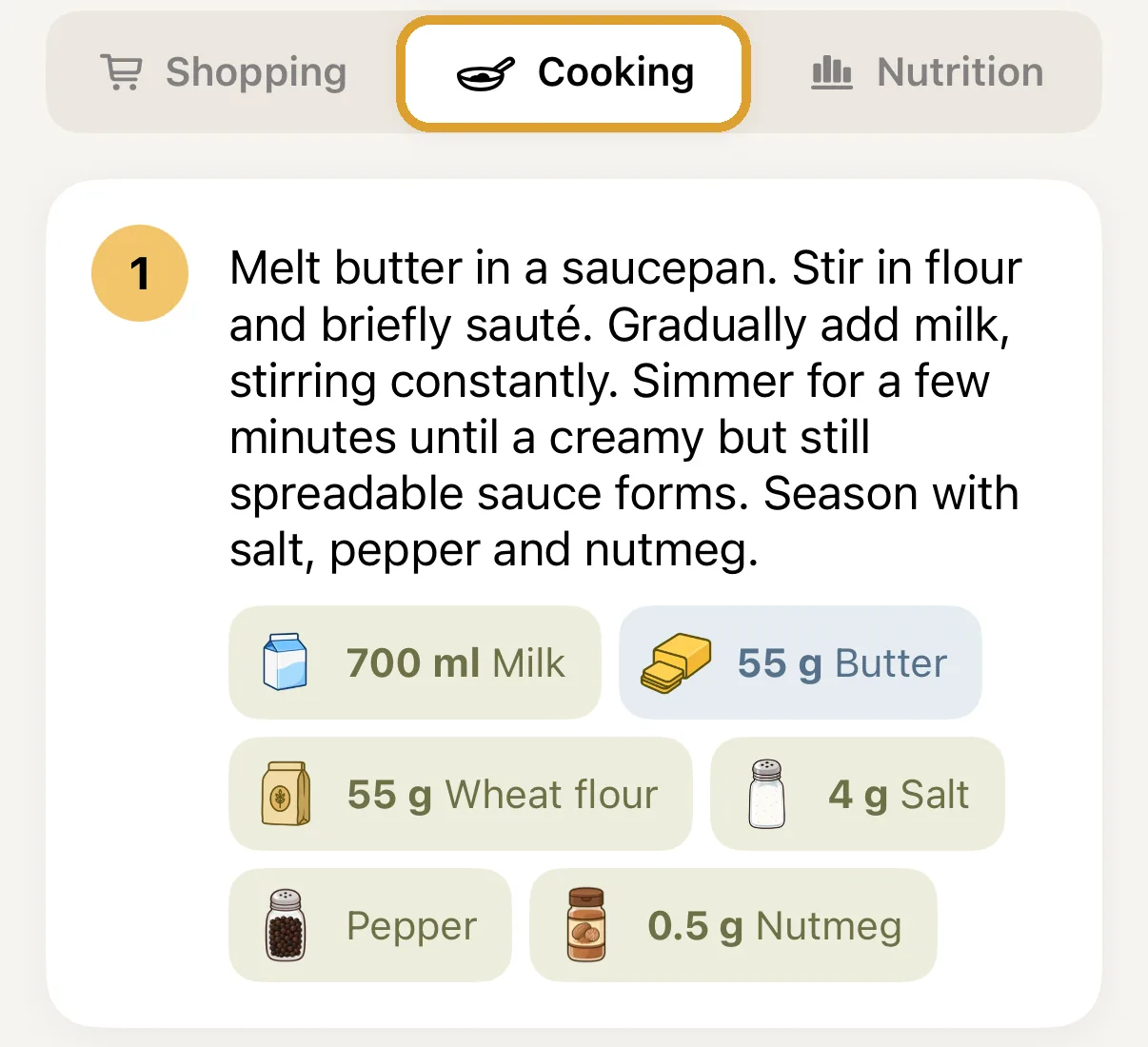
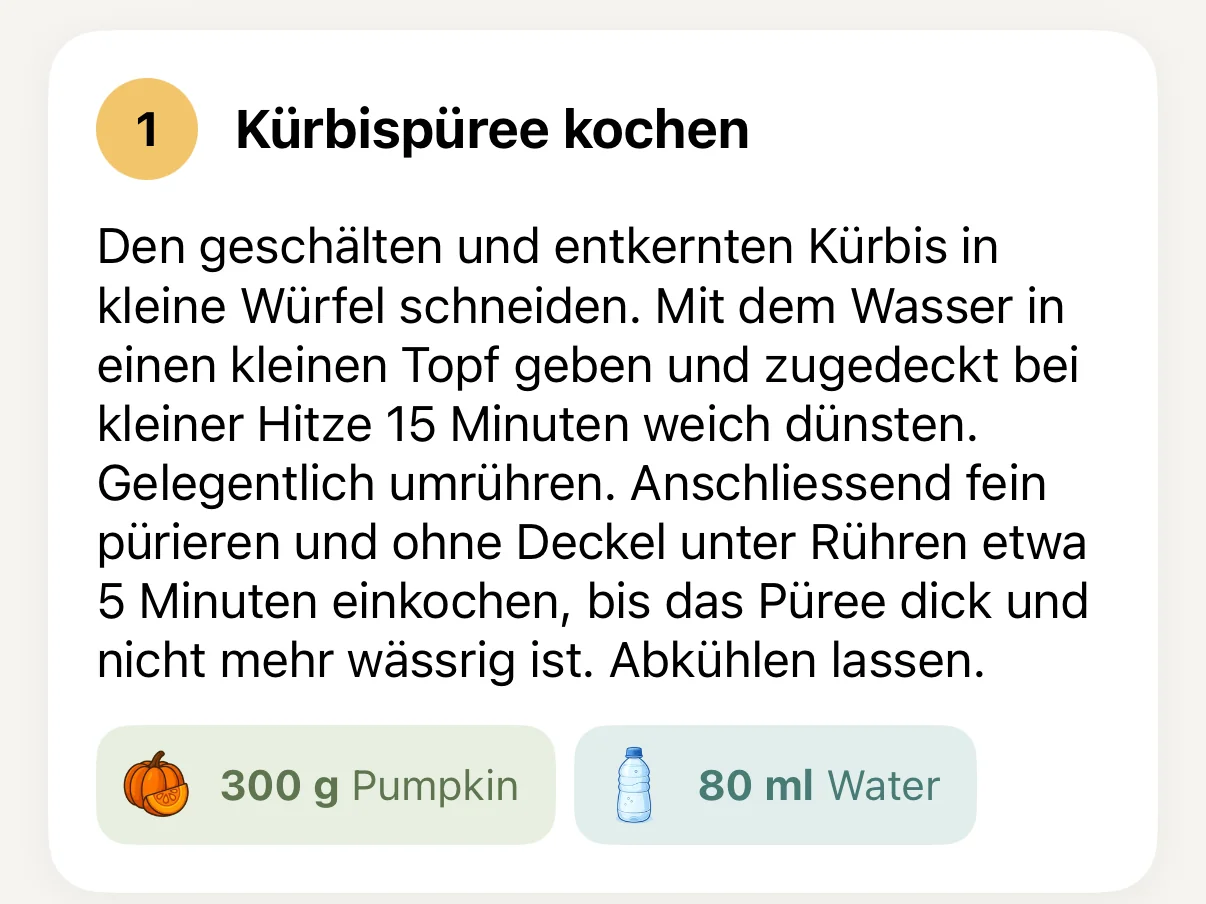
Creators now give their cooking steps short titles like “Cook the pumpkin purée”. That way you see at a glance what comes next.

  1. Screenshot: cooking step 1 with the title Kürbispüree kochen above the instructions and the ingredients pumpkin and water

    In a recipe under Cooking, the title sits above each step.

New

Yearly plan

Prepi Premium is now also available for a whole year, at an early bird price. In the paywall you choose between month and year, and the year costs you less.

Improved

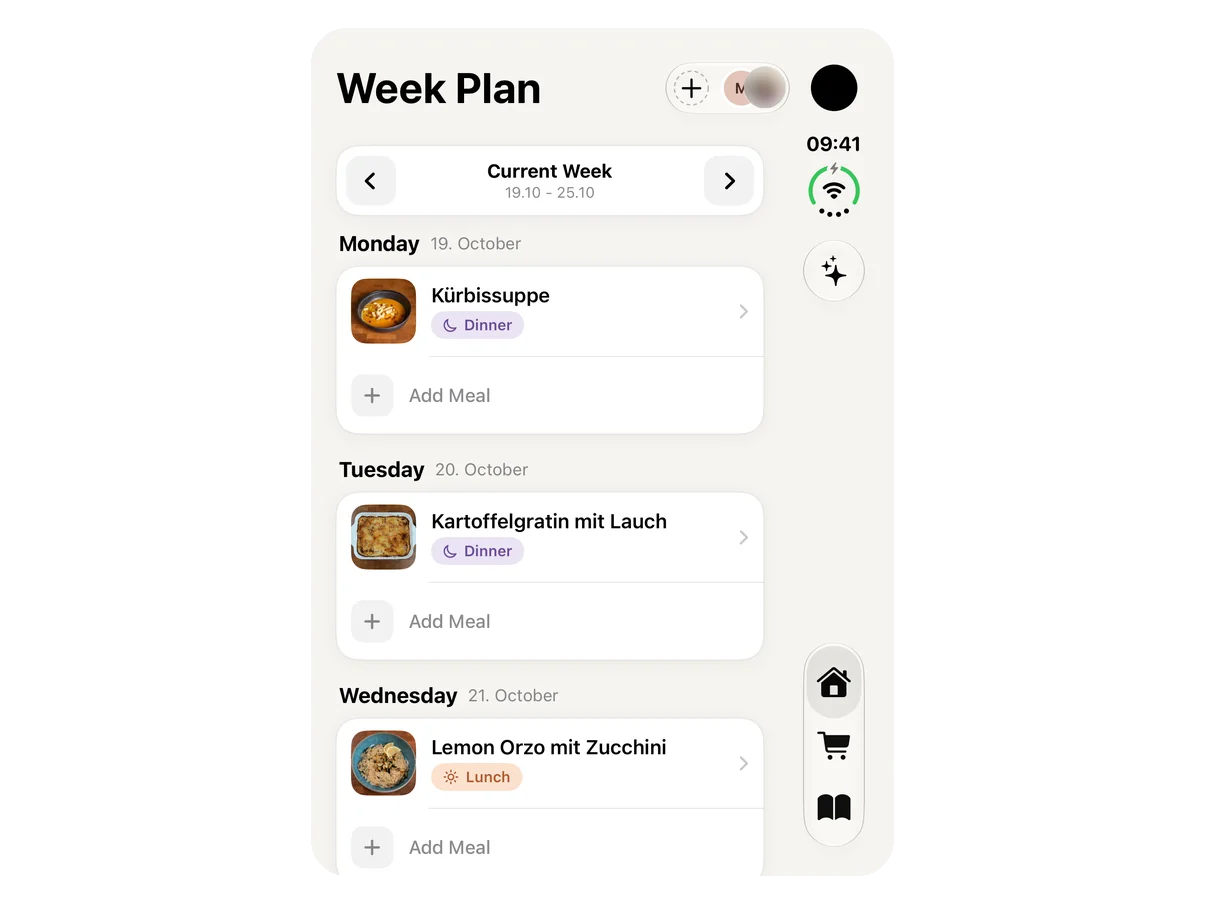
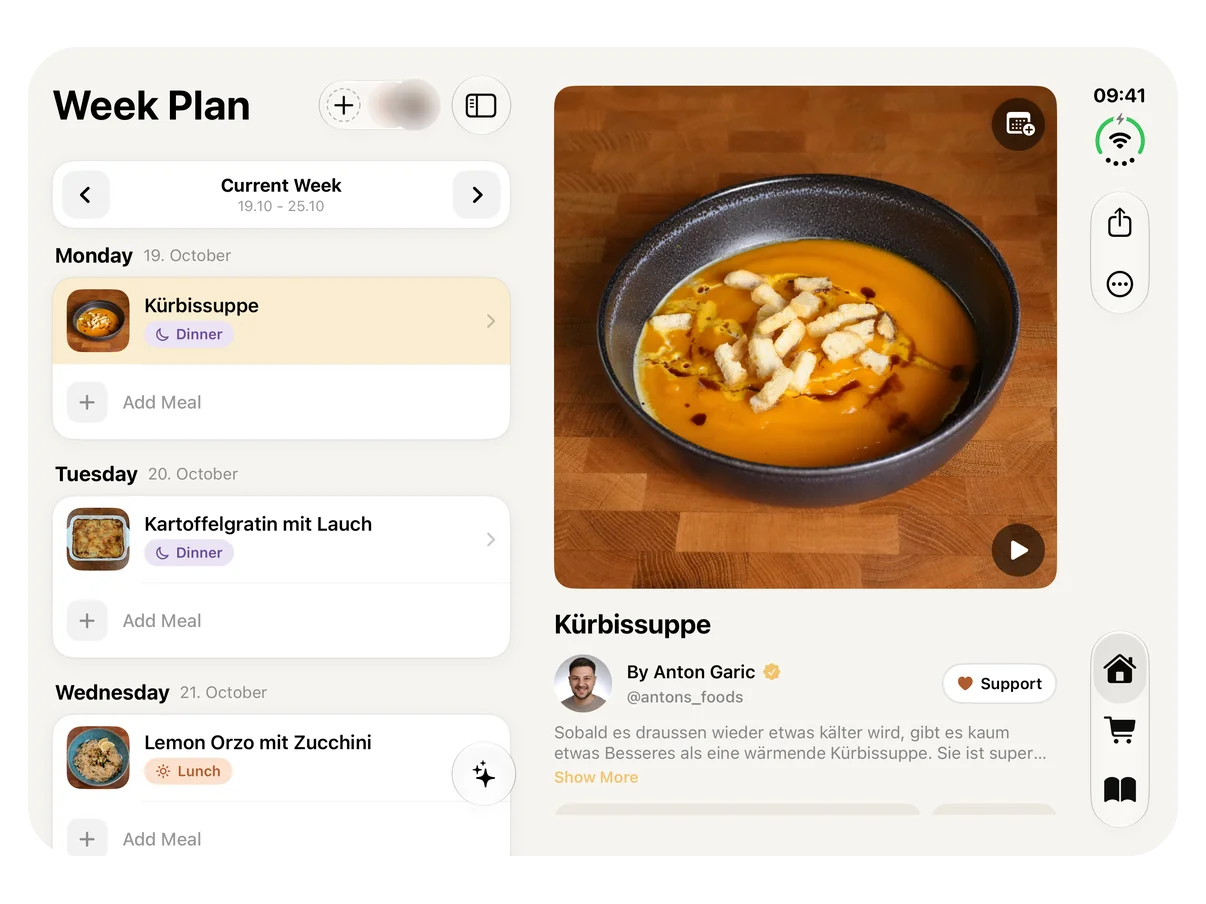
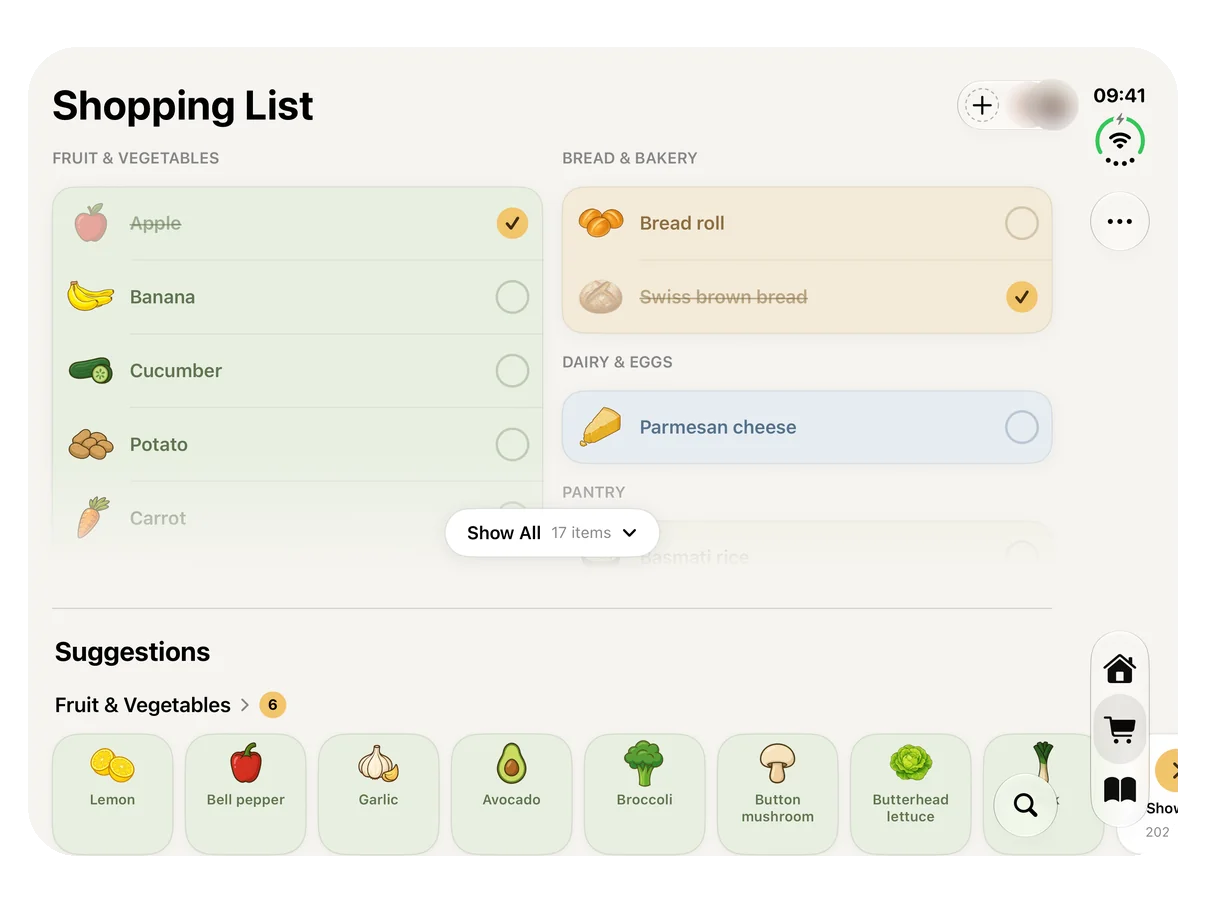
Made for iPhone Duo

Unfolded, Prepi shows your weekly plan on the left and the recipe on the right. The shopping list and recipes use the full width too, and folded everything fits the small screen.

  1. Screenshot: folded iPhone Duo with the weekly plan and the tabs running down the right edge

    Folded: your weekly plan on the small screen, with the tabs at the side.

  2. Screenshot: unfolded iPhone Duo with the weekly plan on the left and the Kürbissuppe recipe on the right

    Unfolded: weekly plan on the left, recipe on the right. Tap a meal to open it.

  3. Screenshot: unfolded iPhone Duo with the shopping list across the full width

    The shopping list uses the full width when unfolded, too.

Version 1.5

October 2026 iPhone
New

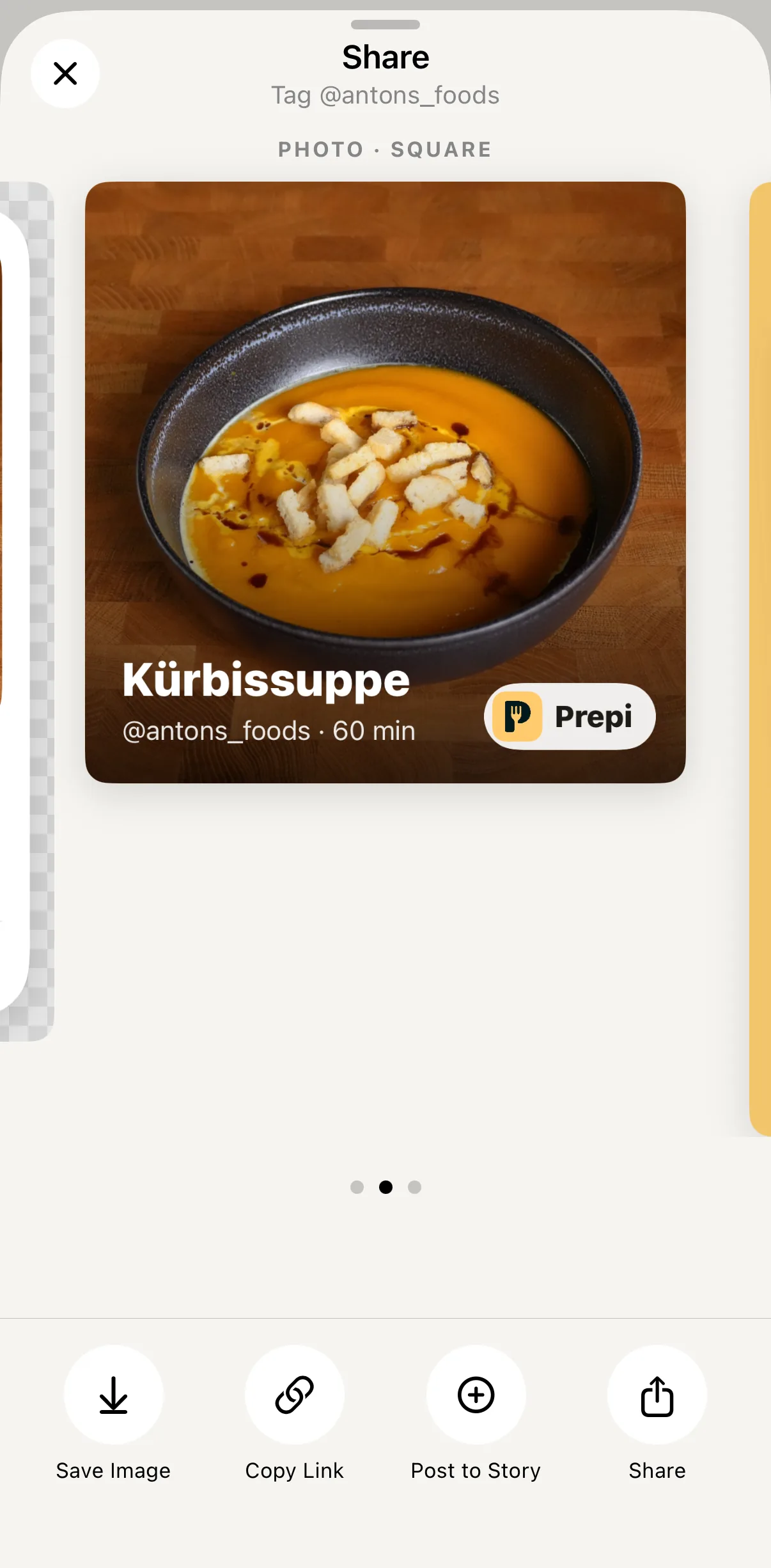
Share recipes

Share creator recipes as a link or as a designed picture: sticker, photo or story, straight to Instagram and friends. Whoever opens the link lands in the recipe.

  1. Screenshot: share window with the recipe picture as a photo, below it Save Image, Copy Link, Post to Story and Share

    Open a recipe and tap Share at the top. Swipe between sticker, photo and story, then post or send it.

New

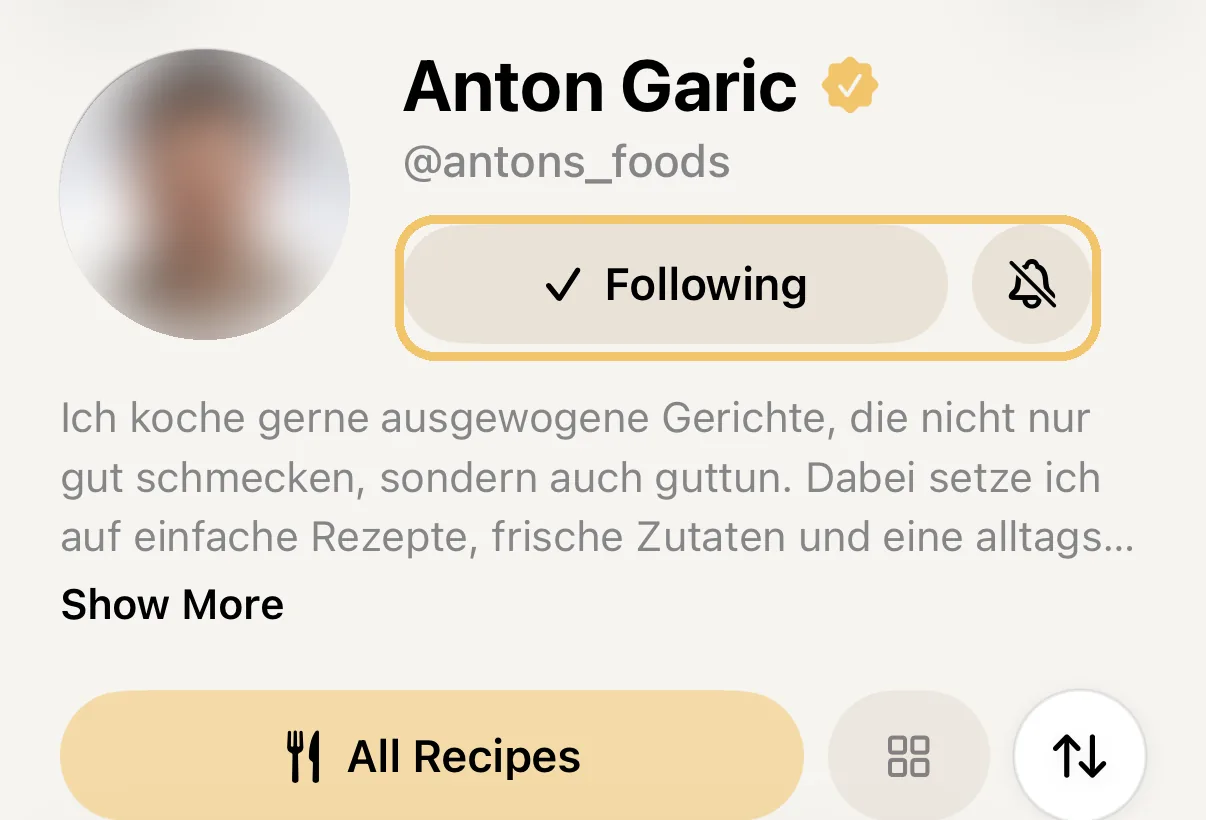
Follow creators

Follow your favourite creators and get notified as soon as they publish a new recipe.

  1. Screenshot: creator profile with the Following button and the bell next to it

    In the creator profile: Follow, and next to it the bell for notifications about new recipes.

New

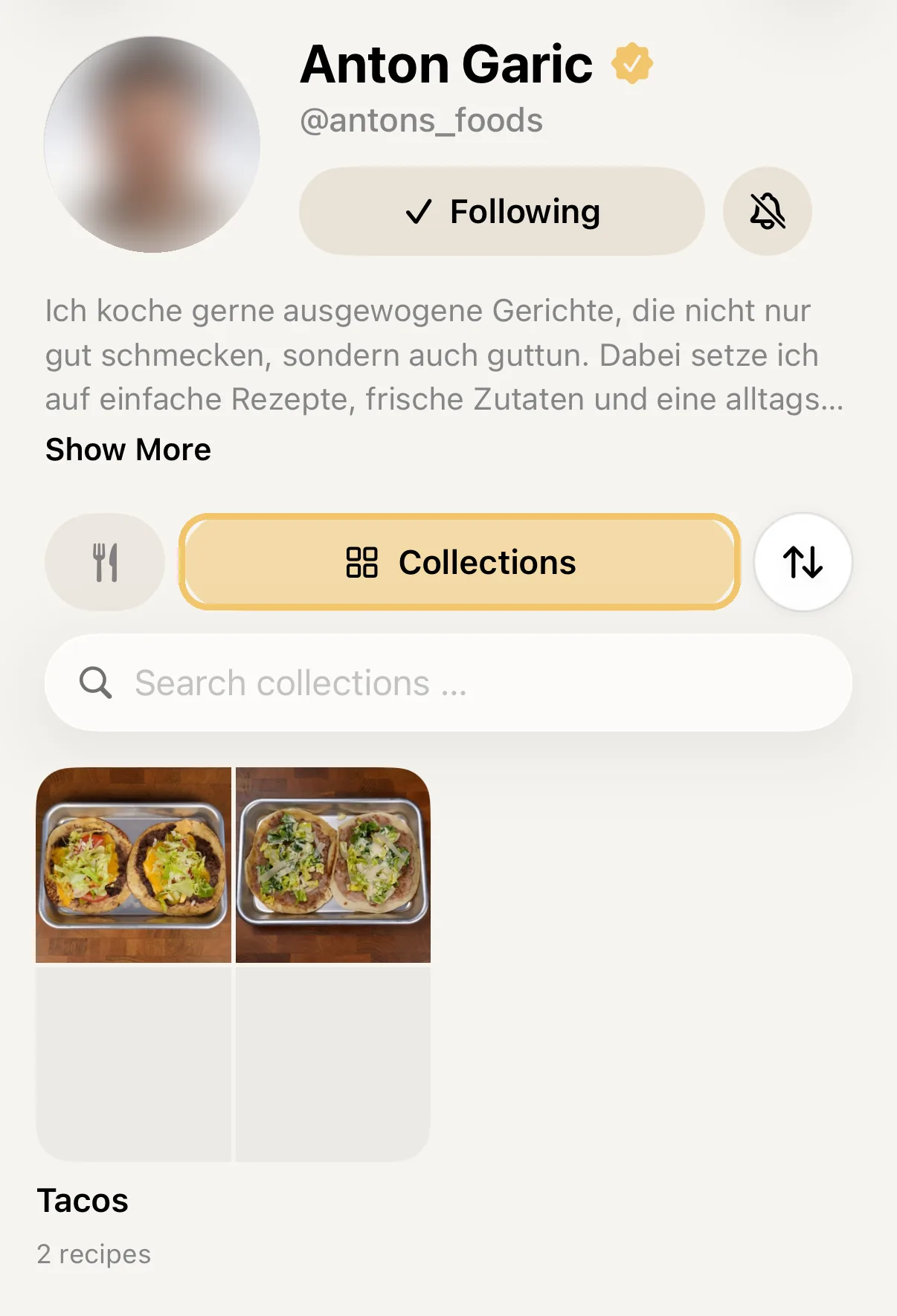
Creator collections

Creators now group their recipes into collections, like everything for tacos. You'll find them in the creator profile.

  1. Screenshot: creator profile with the Collections area and the Tacos collection

    In the creator profile, tap the Collections area.

New

Support creators

With Prepi Premium you can support creators who share their recipe for free. It costs one of your unlocks, and the amount goes to the creator.

  1. Screenshot: a recipe's author row with the Support button

    Support sits in the author row of a free recipe.

New

Try Premium without a subscription

Every account can use Premium features 10 times for free, whichever you like: import, photo scan, weekly planner or Premium recipes. After that you decide whether to subscribe.

Improved

Base recipes in the instructions

Base recipes now sit right in the matching cooking step, as a card with everything you need for it.

Improved

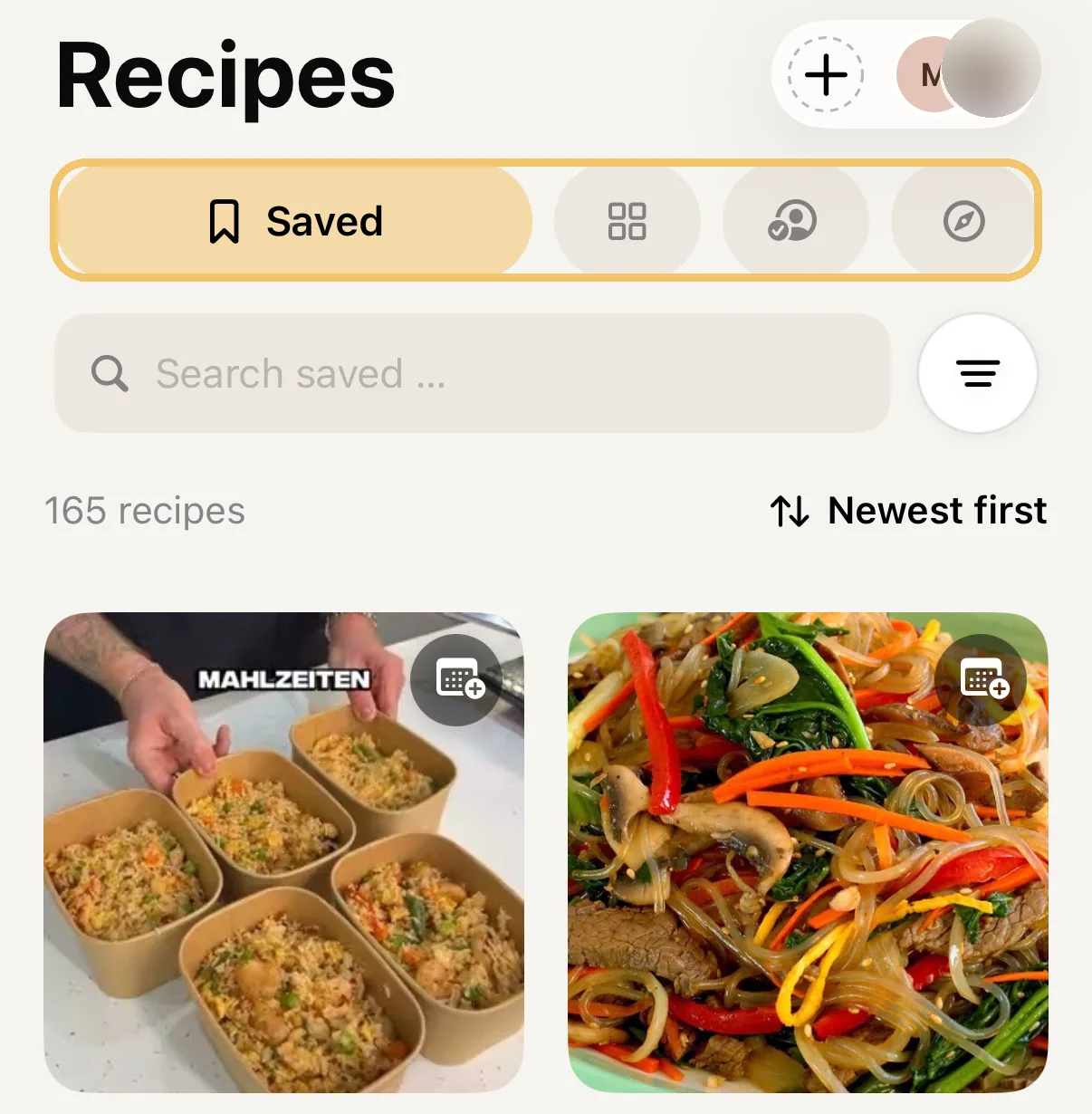
Recipes page reorganised

Saved, Collections, Following and Discover are now four areas at the top of the Recipes page. One tap switches.

  1. Screenshot: Recipes page with the four areas Saved, Collections, Following and Discover

    The four areas sit at the top of the Recipes page.

Version 1.4

October 2026 iPhone
New

Suggestions for your shopping list

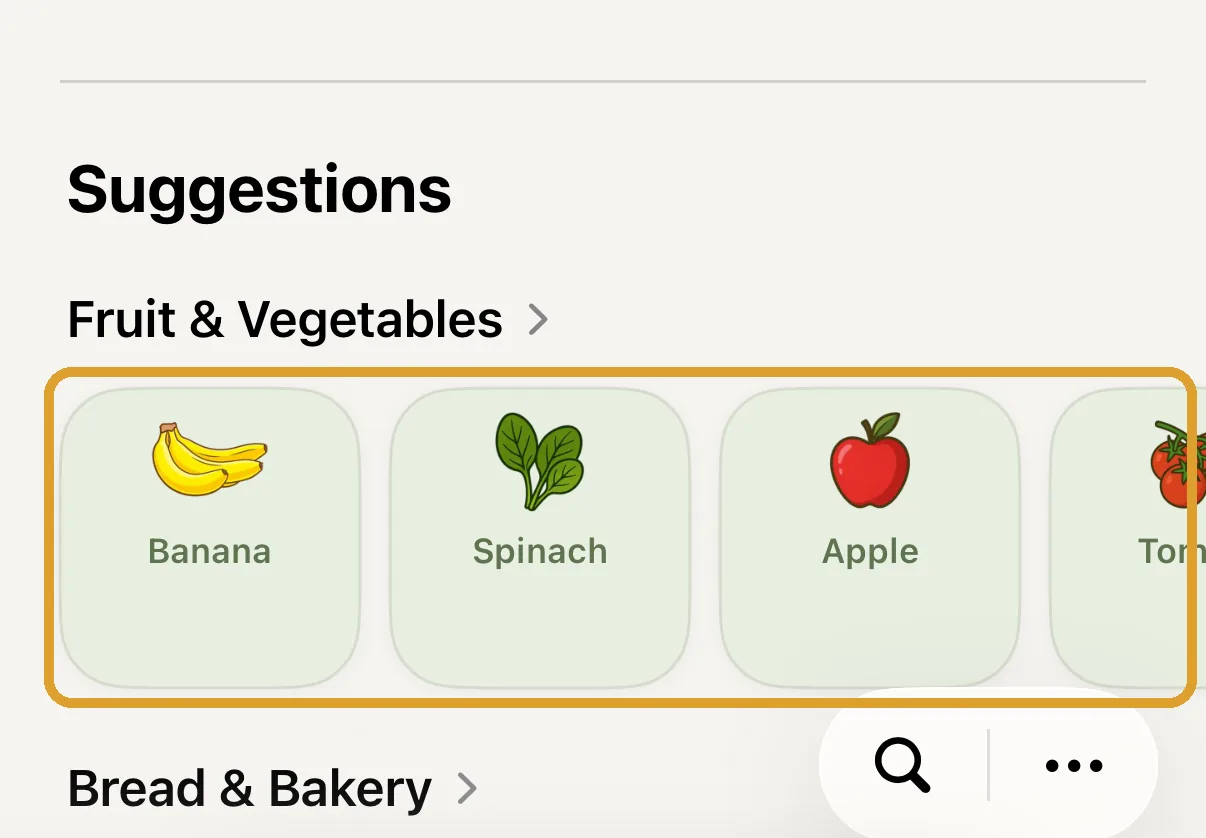
Below your list, Prepi suggests items: what you used recently first, then everyday staples, then everything else by shelf. One tap puts an item on your list, no searching or typing.

  1. Screenshot: shopping list with the Suggestions area below it

    Suggestions sit right below your list. Tap an item and it's on your list.

Improved

Clearer step-by-step

Every step is now its own card with a number, the text and the ingredients you need for it.

  1. Screenshot: a recipe's step-by-step instructions as numbered cards with ingredients

    Open a recipe and tap Cook.

Improved

Tidier navigation

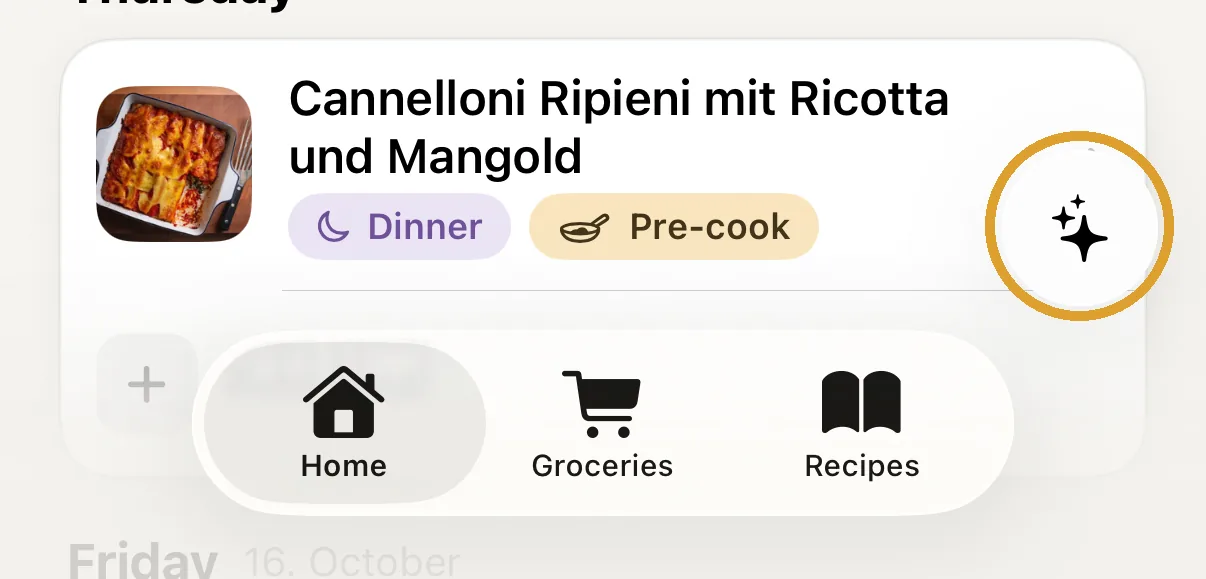
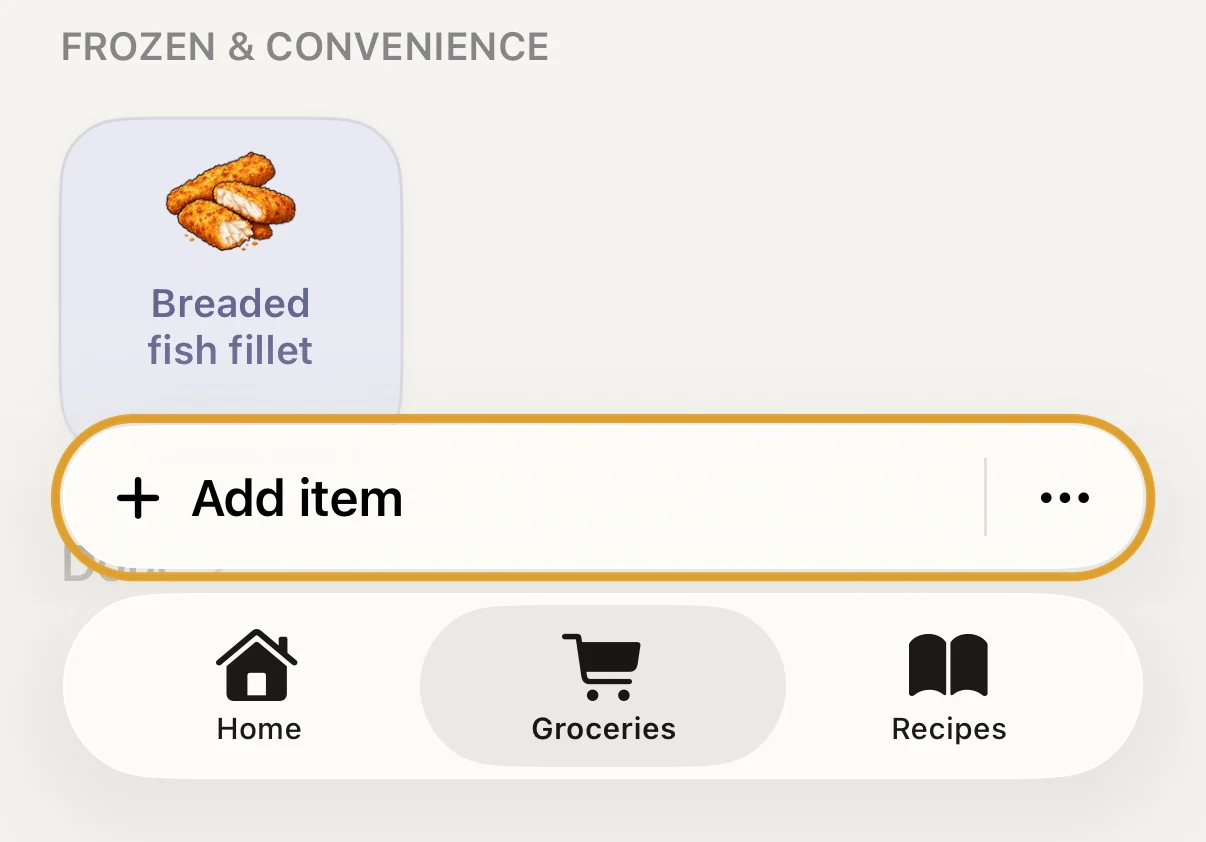
The tab bar now always stays put. Plan week, Add recipe and Add item are a round button just above it on the right.

  1. Screenshot: tab bar with Home, Shopping and Recipes and the round button above it on the right

    The round button above the tab bar on the right starts the tab's main action.

Improved

Item pictures instantly

Prepi downloads the pictures of all items to your iPhone once. After that they show up instantly everywhere, even offline.

Version 1.3

October 2026 iPhone
New

The right kind in one tap

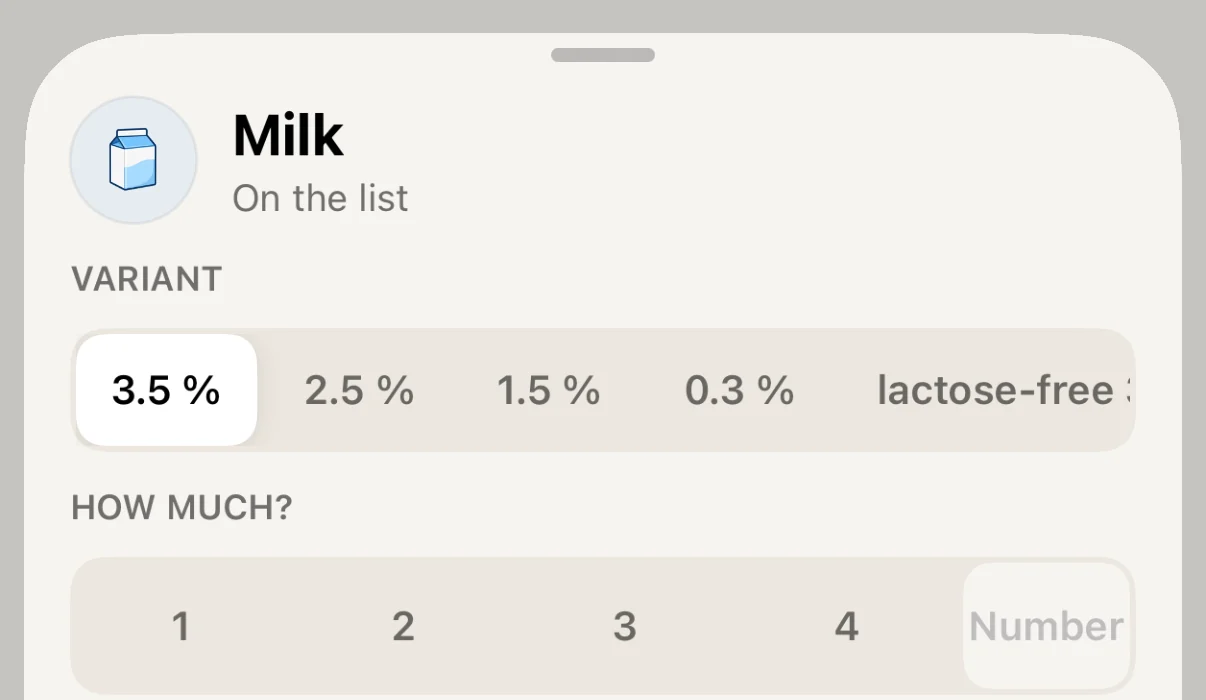
Pick the variant right in your shopping list, like 1.5% or lactose-free milk. Recipes remember it too and carry it over to your list.

  1. Screenshot: shopping list with the Add item bar Step 1 of 3

    In your shopping list, tap Add item.

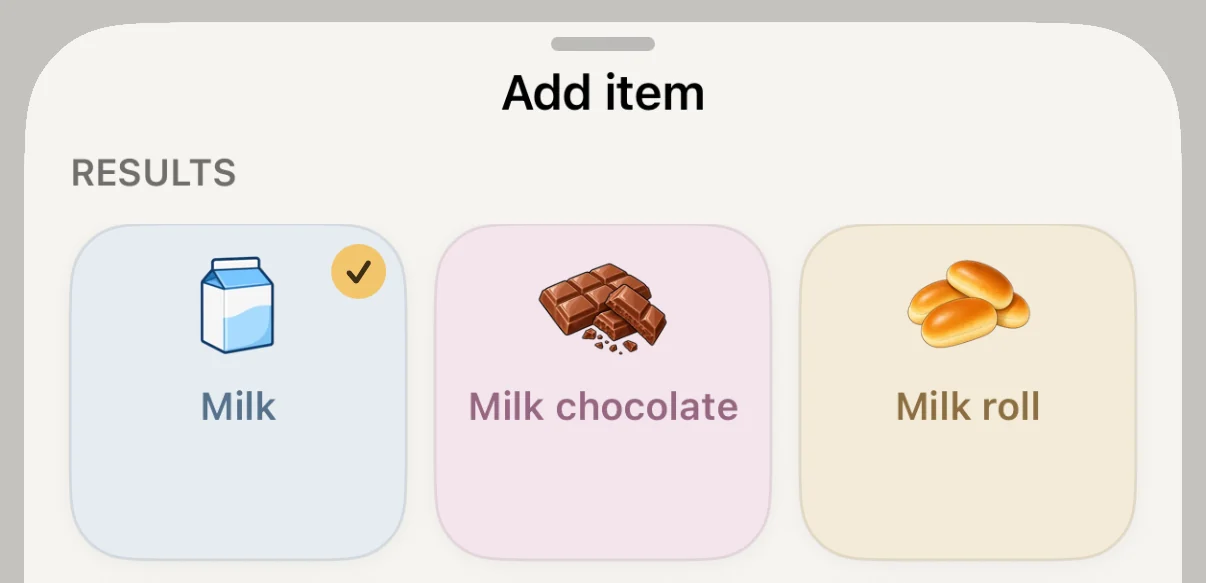
  2. Screenshot: searching for milk under Add item Step 2 of 3

    Search for the item, like milk, and tap it.

  3. Screenshot: milk with the Variant row and the options 3.5, 2.5, 1.5 and 0.3 percent and lactose-free Step 3 of 3

    Choose the kind under Variant. For items already on your list, press and hold to get here.

New

Edit your meal plan offline

Prepi syncs your changes as soon as you're back online.

Improved

Ready faster

Prepi shows your data as soon as you open it and loads images faster.

Improved

Every recipe just once

The recipe overview no longer shows the same recipe twice.

Improved

Easier ingredient editing

In the recipe editor, each ingredient has its own row. Tap it to set amount, unit and variant.

New

What's new

After every update, Prepi shows you what has changed.

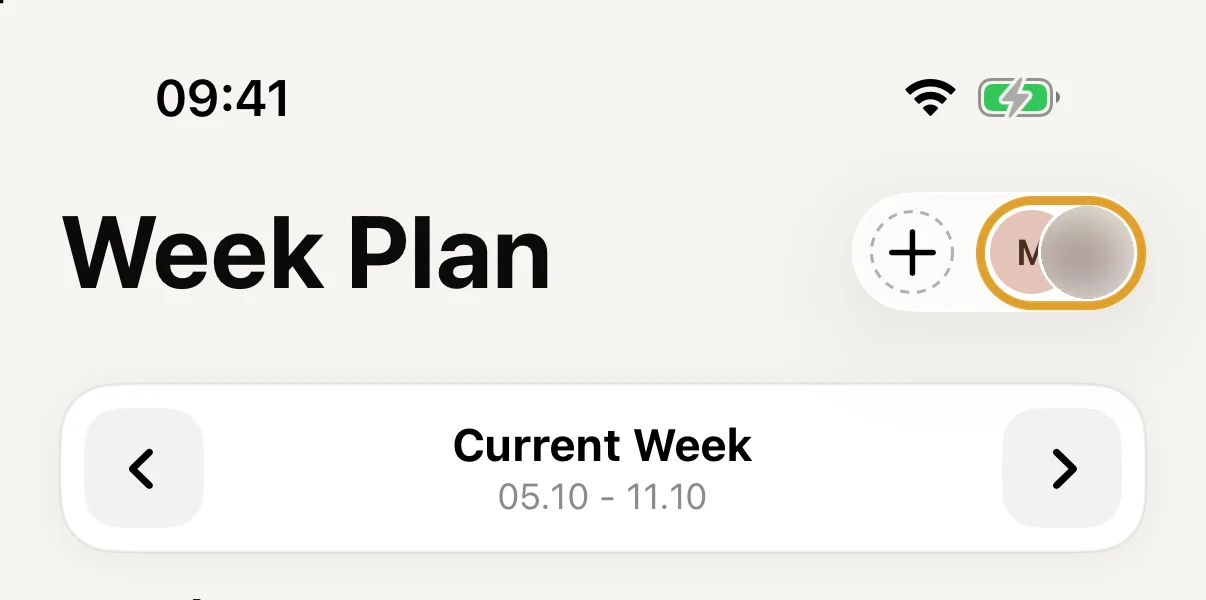
  1. Screenshot: profile picture in the top right of the week plan Step 1 of 2

    Tap your profile picture in the top right.

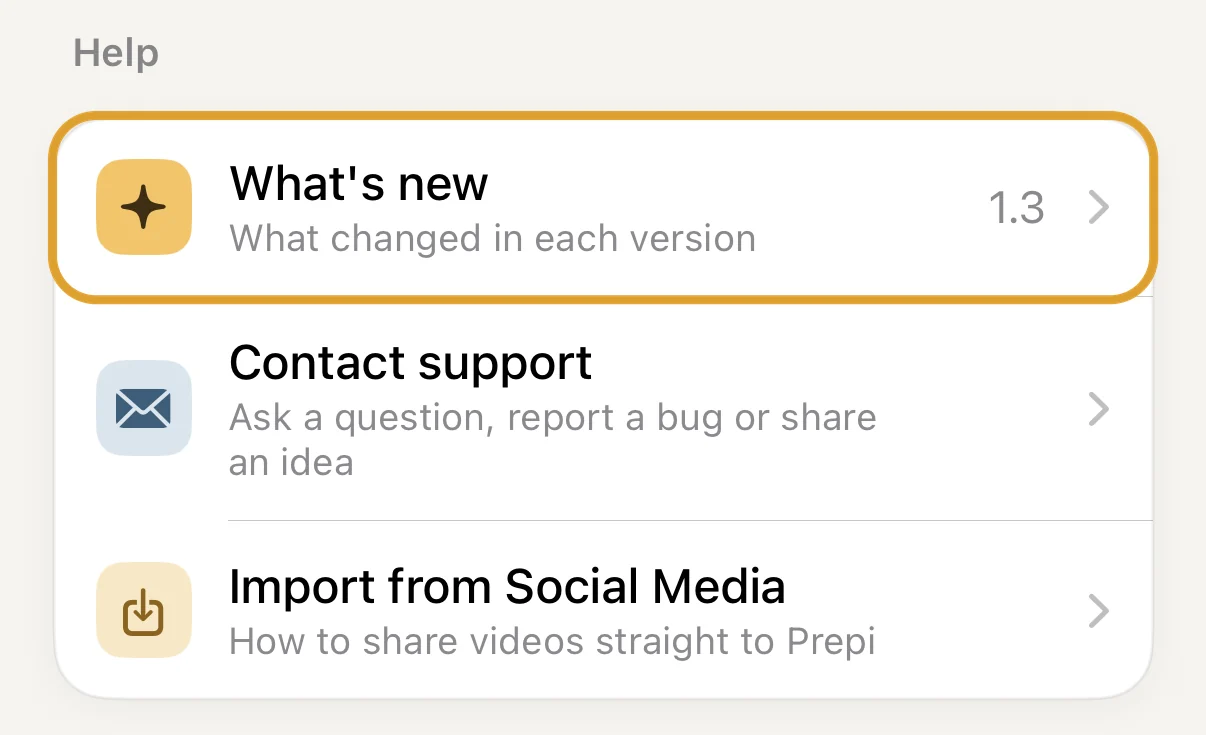
  2. Screenshot: Settings with What's new under Help Step 2 of 2

    Under Help, What's new lists every version.

Questions or ideas? Write to us at hello@prepi.food.